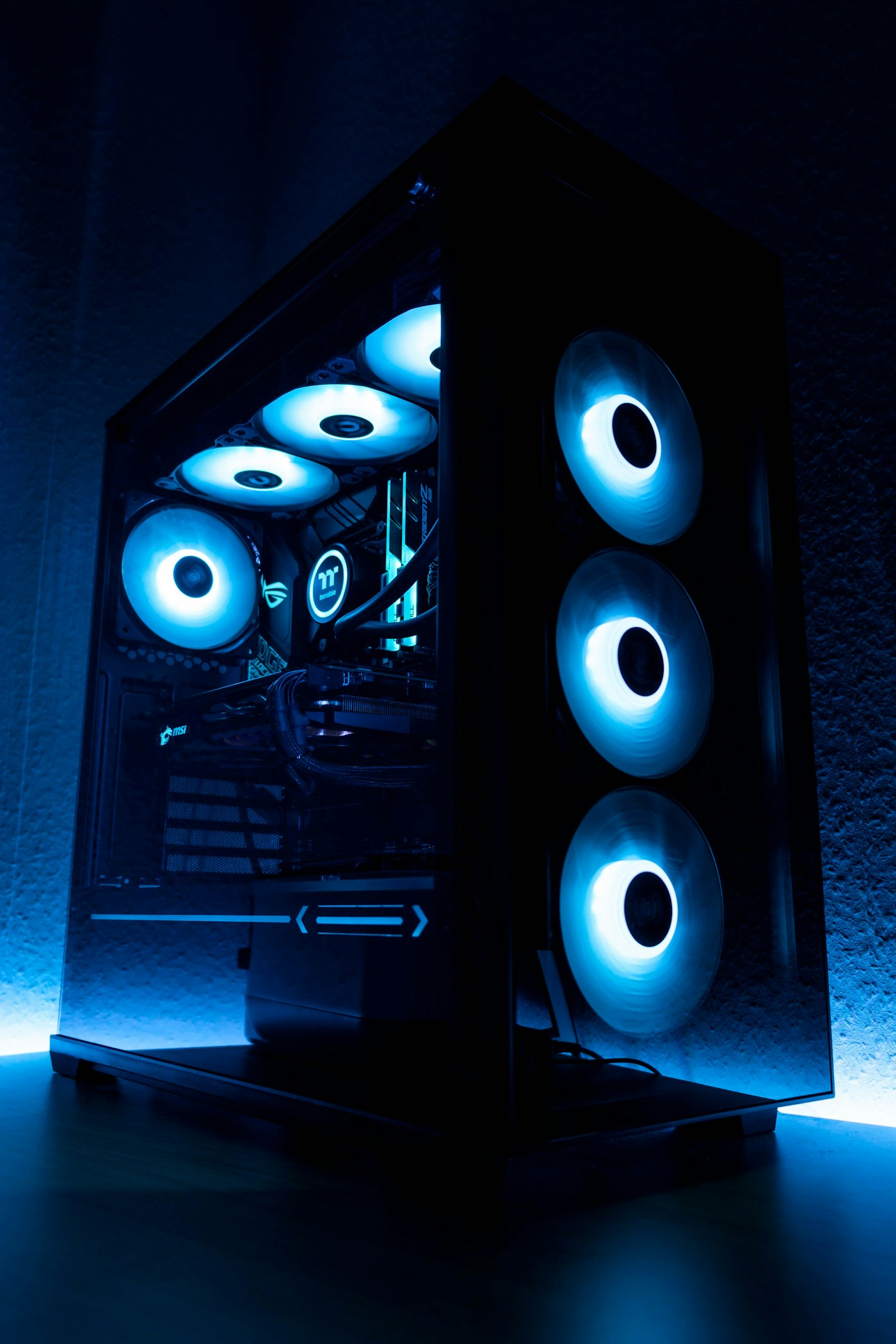
When Should You Upgrade Your GPU in 2025?
GPU upgrade anxiety is real. You look at benchmark videos for the latest cards, your eyes glaze over at the prices, and you wonder: does my current card actually need replacing, or am I just being influenced by new release hype? It's a question worth answering honestly.
Here's a framework I use to think about GPU upgrades, based on years of watching what actually matters vs. what marketing wants you to think matters.
Signs You Should Upgrade
You're regularly dropping below your target frame rate in the games you actually play. If you're targeting 60 FPS at 1080p and you're frequently dipping into the 40s in current-gen titles — even after lowering settings — your card is genuinely struggling. This is the clearest signal.
You've upgraded to a higher resolution monitor and performance hasn't kept up. A GTX 1080 was a great 1080p card. It's a poor 1440p card in 2025. If your resolution goals have changed, your GPU needs to change with them.
Games you want to play are running out of VRAM. 8GB VRAM cards are increasingly running into walls in heavily textured games. If you're seeing "out of VRAM" warnings or sudden stutters in texture-heavy titles, this is a hardware limitation that settings alone won't fully fix.
Your card is more than three generations old. Generational leaps in GPU technology have been significant enough that a three-generation gap (e.g., GTX 1080 to RTX 4070) represents a genuinely transformative upgrade in performance, features, and efficiency — not just incremental improvement.
Signs You Should Wait
You're GPU-limited but only slightly. If you're consistently hitting 55–60 FPS at 1080p High settings, you don't need a new card — you need to reduce a few settings or enable DLSS/FSR. This is not a hardware problem.
A new GPU generation is imminent. In late 2025, NVIDIA's RTX 5000 series and AMD's RDNA 4 lineup are either arriving or already here. When new cards release, last-gen prices drop significantly. Buying right before a new generation is arguably the worst time to spend on a GPU.
The upgrade would be a lateral or minor move. Going from an RTX 3080 to an RTX 4080 in the same price tier is roughly a 40–50% performance gain — meaningful. Going from an RTX 3080 to an RTX 4070 Ti at a lower price might be a wash. Lateral upgrades that require selling your old card barely break even after the hassle.
The Practical Checklist
Before buying a new GPU, run through this:
1. Enable DLSS Quality (NVIDIA) or FSR Quality (AMD) — these AI upscaling technologies can add 30–50% more performance with minimal visual quality loss.
2. Check your current card's utilization — is it actually at 100%? If not, you may have a CPU bottleneck, not a GPU limitation.
3. Make sure your drivers are up to date — yes, this is obvious, but outdated drivers cause real performance loss.
4. Check if VRAM is the specific bottleneck before assuming you need more GPU power overall.
If after all that you're still bottlenecked and frustrated with your gaming experience, it's time. A well-chosen GPU upgrade is one of the most satisfying things you can do for a PC — just make sure you actually need it before spending the money.